

charter explain <RULE-ID> is the rule lookup command. It prints catalog metadata for a single rule: ID, name, category, severity, description, and docs URL.
Usage
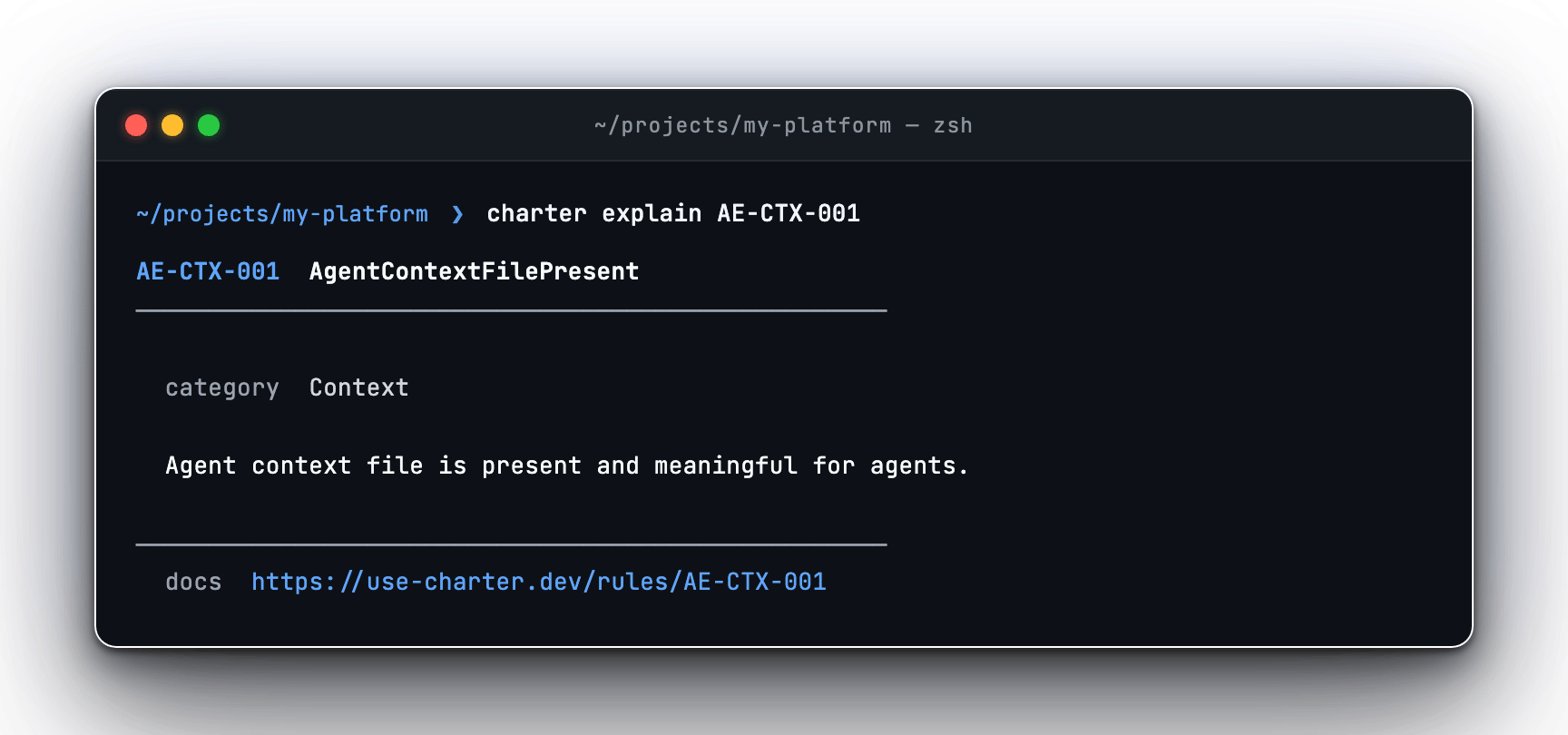
charter explain AE-CTX-001 — rule catalog metadata in the terminal
Flags
text | json
Output format. Defaults to
text.Example Output
When to Use It
Usecharter explain when you already have a rule ID — from charter doctor output, charter report findings, CI logs, or a GitHub Code Scanning result — and want the fastest explanation without leaving the terminal. Follow the linked docs URL for the full rationale and remediation guidance.
Exit codes
Related
Rules overview
The full catalog of Charter rules and categories.
doctor
The scan that surfaces the rule IDs you look up here.